Uploading your video
Supported formats
Upload any standard video file from your dashboard. MP4 is the safest choice. It works everywhere and tends to be the format your streaming software outputs by default. MOV files work as well. If your file is something more exotic, transcode it to MP4 first.
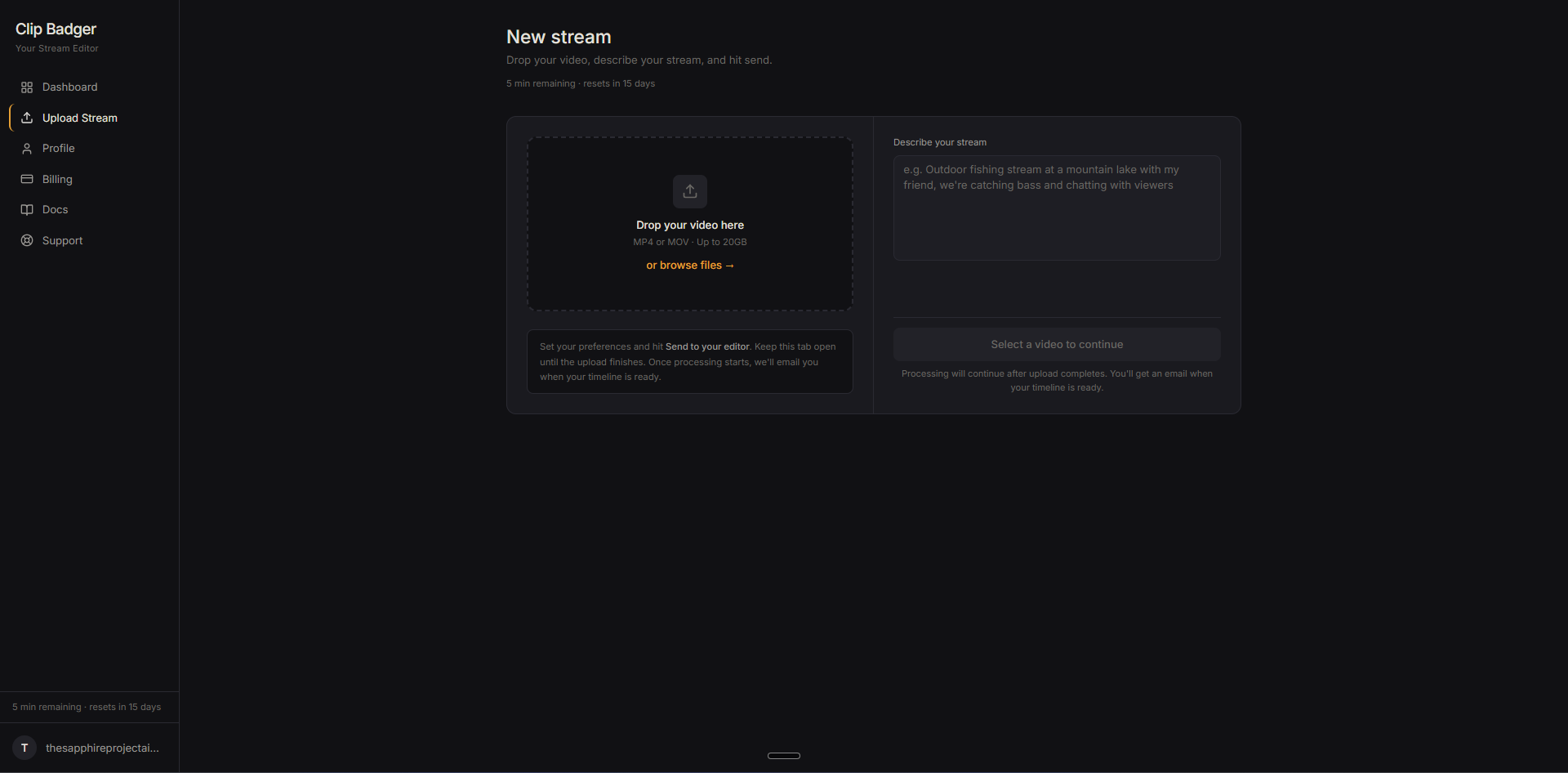
There's no hard size limit, but we recommend keeping uploads under 20 GB. Most one to two hour videos at 1080p fall well within this range. Very large files will take longer to upload and process. If you're on a slow connection, expect the upload itself to be the longest single step.
Processing time
Once your file finishes uploading, your editor takes over. Roughly speaking: a one-hour video takes 30 to 60 minutes to fully process. Two hours of footage takes around an hour and a half. The exact time depends on the length of the video and how much speech it contains.
Stay on the page while the upload itself is in flight. Closing the tab or navigating away during the upload will interrupt it. Once the file is fully transferred, processing runs server-side, and you're free to close the tab and come back later. You'll get an email the moment your timeline is ready to review.
Describe your footage
When you upload, you'll be asked for a short description of what the footage is about. Your editor uses this to prioritize which moments to flag. If you mention specific topics or events, the editor treats them as must-include moments during its first pass.
A generic description doesn't give much to work with. A specific one makes a real difference.
Weak: "Outdoor video"
Better: "Outdoor day at a mountain lake with my friend, catching bass and hanging out"
Think of it like briefing a human editor. "Look for the fish catches, my friend's reactions, and the part where I dropped my phone" gives them a clear checklist. "It's an outdoor video" means they have to guess.
You don't need to write a lot. One or two sentences covering the highlights is enough. If you leave it blank, your editor defaults to looking for interesting moments, reactions, and conversations.
What your editor watches for
Your editor goes through the full transcript of your footage looking for the moments a viewer would want to watch: the reactions, the funny bits, the conversations, the actual story. It's also flagging the parts a viewer would skip past.