Getting started
Sign up
Head to app.clipbadger.com and sign up with your email and password. You can also sign in with Google. There's nothing else to set up.
Your first dashboard
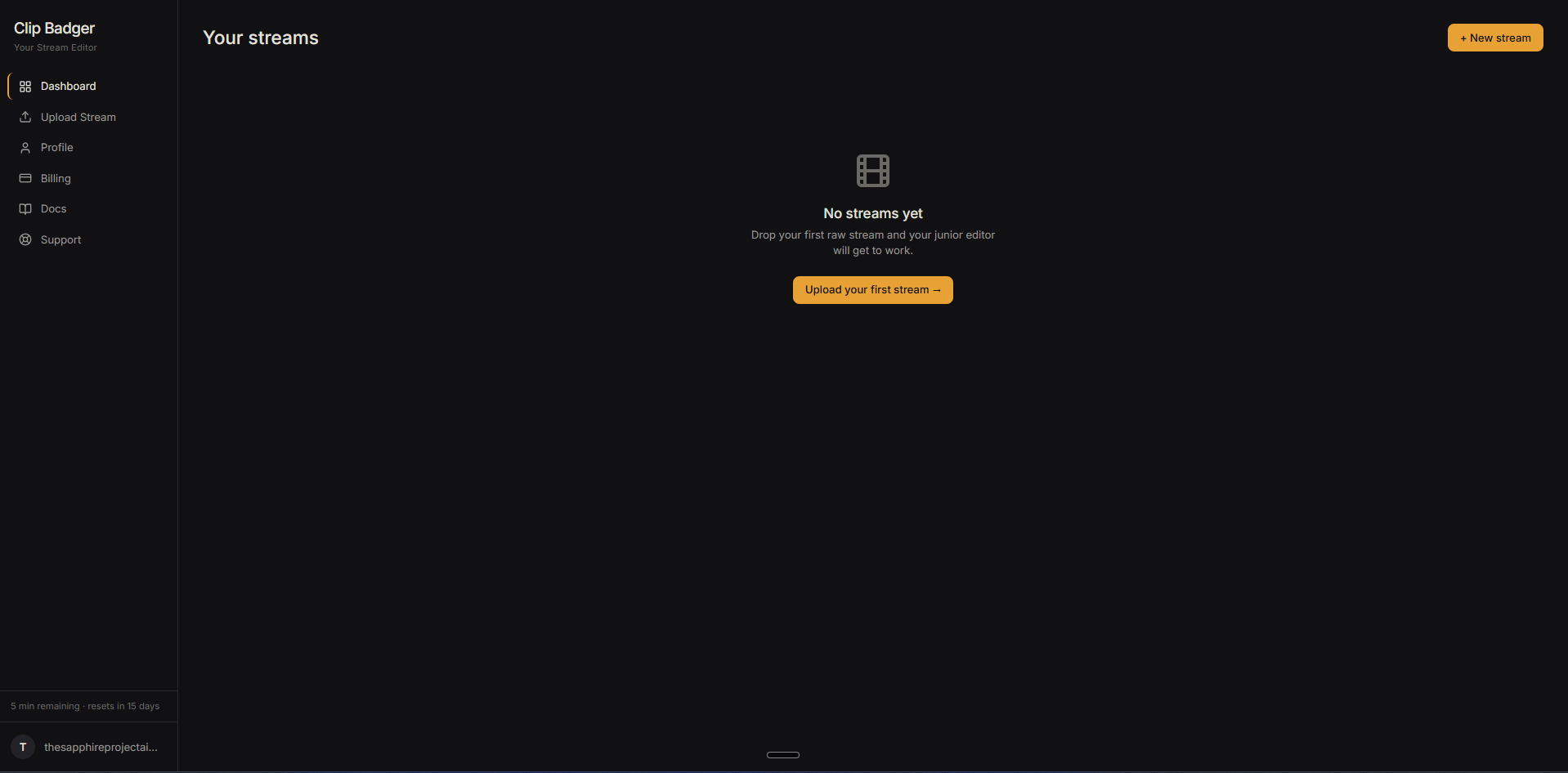
The first time you log in, your dashboard is empty. That's expected. There are no clips waiting, no settings to fill out, no tour to dismiss. Hit + New edit in the top right to start your first upload.
Your first upload
Drop a video file into the upload page and give your editor a short description of what happened. The more specific you are, the better the first pass will be. Hit submit and stay on the page until the upload finishes.
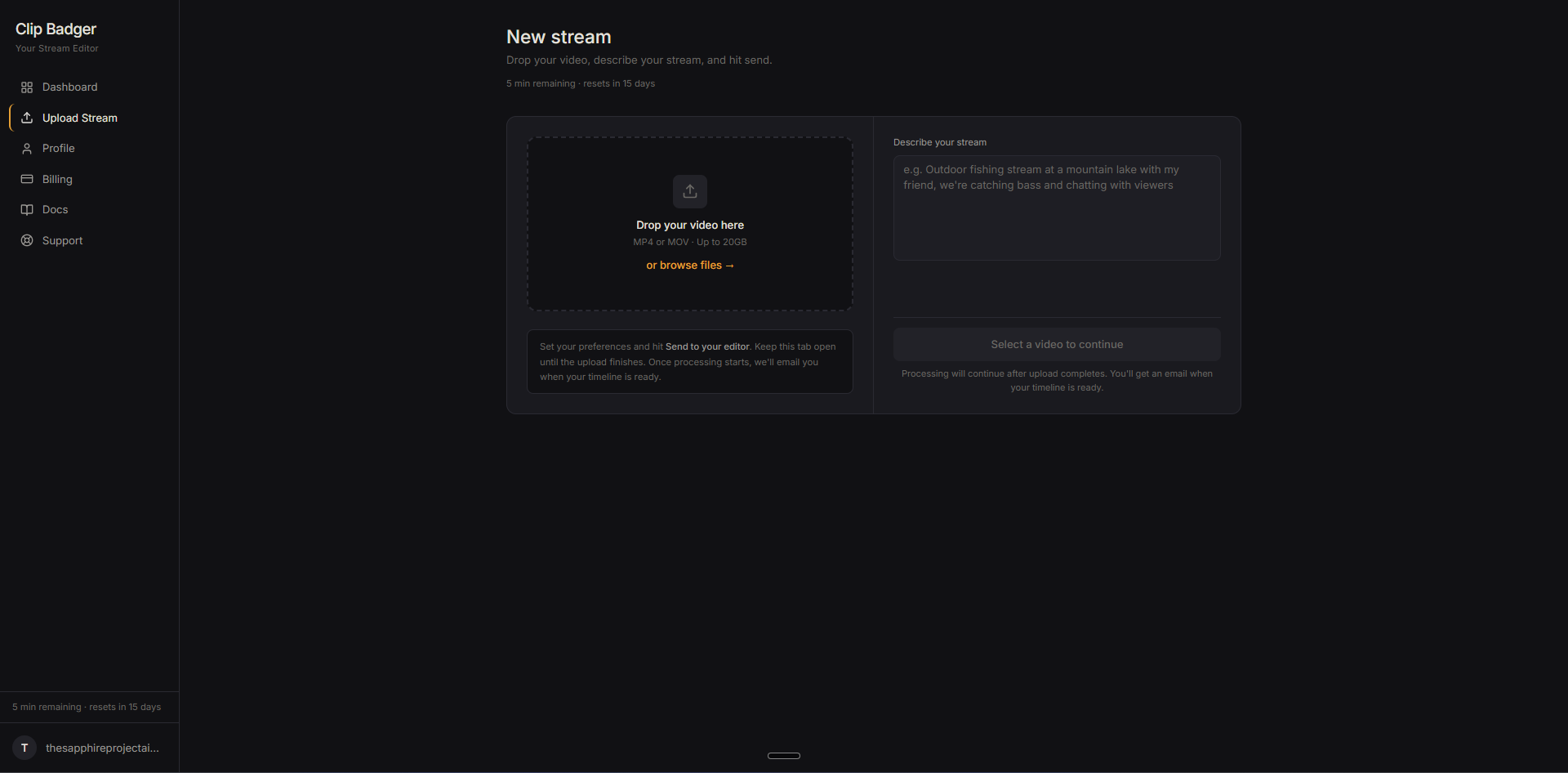
Once the file is transferred, processing runs on the server. You're free to close the tab. A one-hour video takes roughly 30 to 60 minutes, and you'll get an email the moment your timeline is ready.
For details on formats, file sizes, and how to write a good description, see Uploading your video.