Account
Your profile
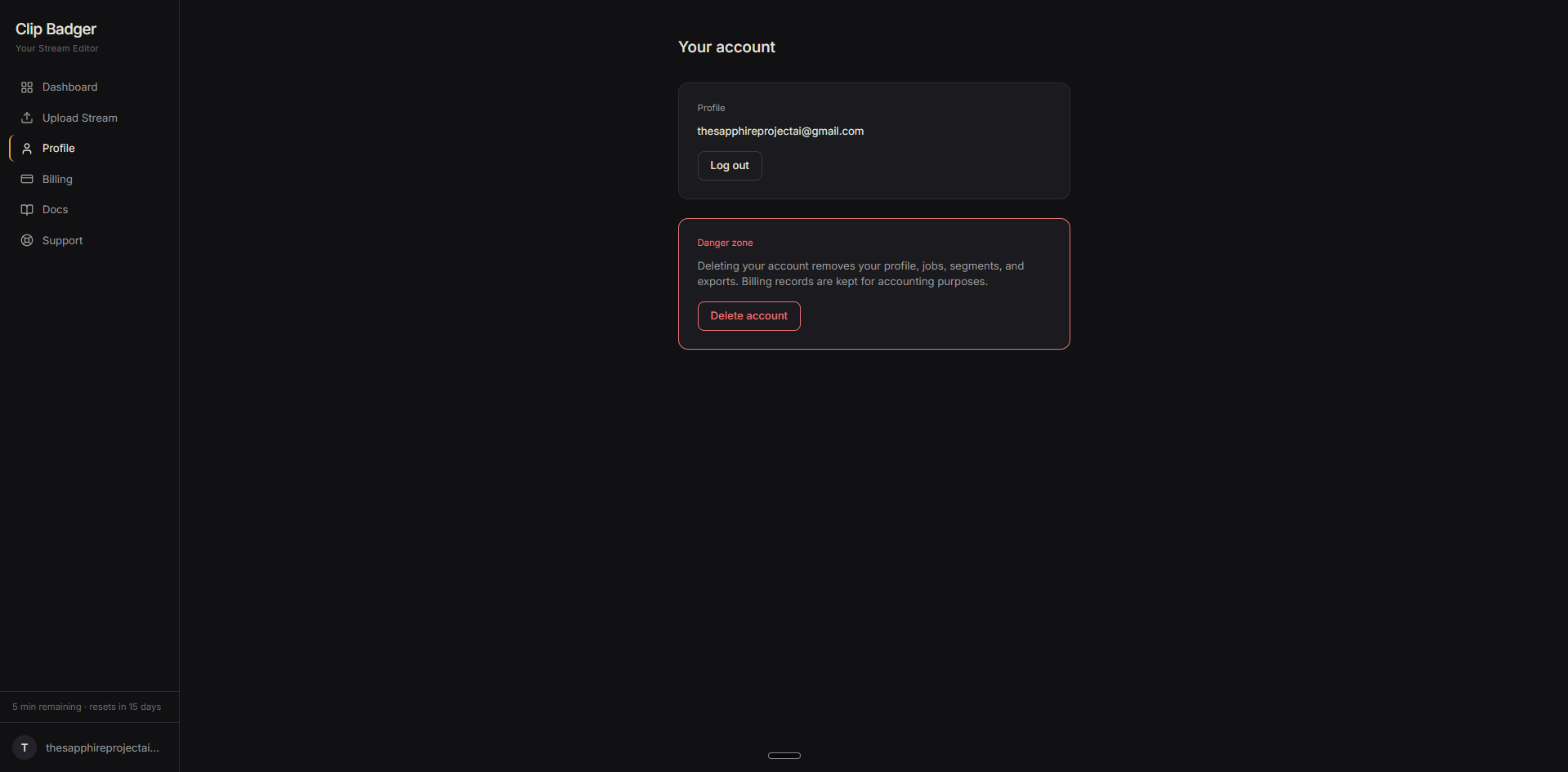
Head to Profile in the sidebar to see your account page. It shows the email address tied to your account and a log out button.
Changing your password
If you signed up with email and password, you can reset your password from the login screen. Click "Forgot password" and follow the steps sent to your email.
If you signed up with Google, there's no password to reset. Your account uses Google sign-in directly. To change your password, update it in your Google account settings.
Deleting your account
If you need to remove your account, scroll down to the danger zone on the Profile page. Clicking "Delete account" removes your profile, jobs, segments, and exports. Billing records are kept for accounting purposes. This action is permanent.
Credits and billing
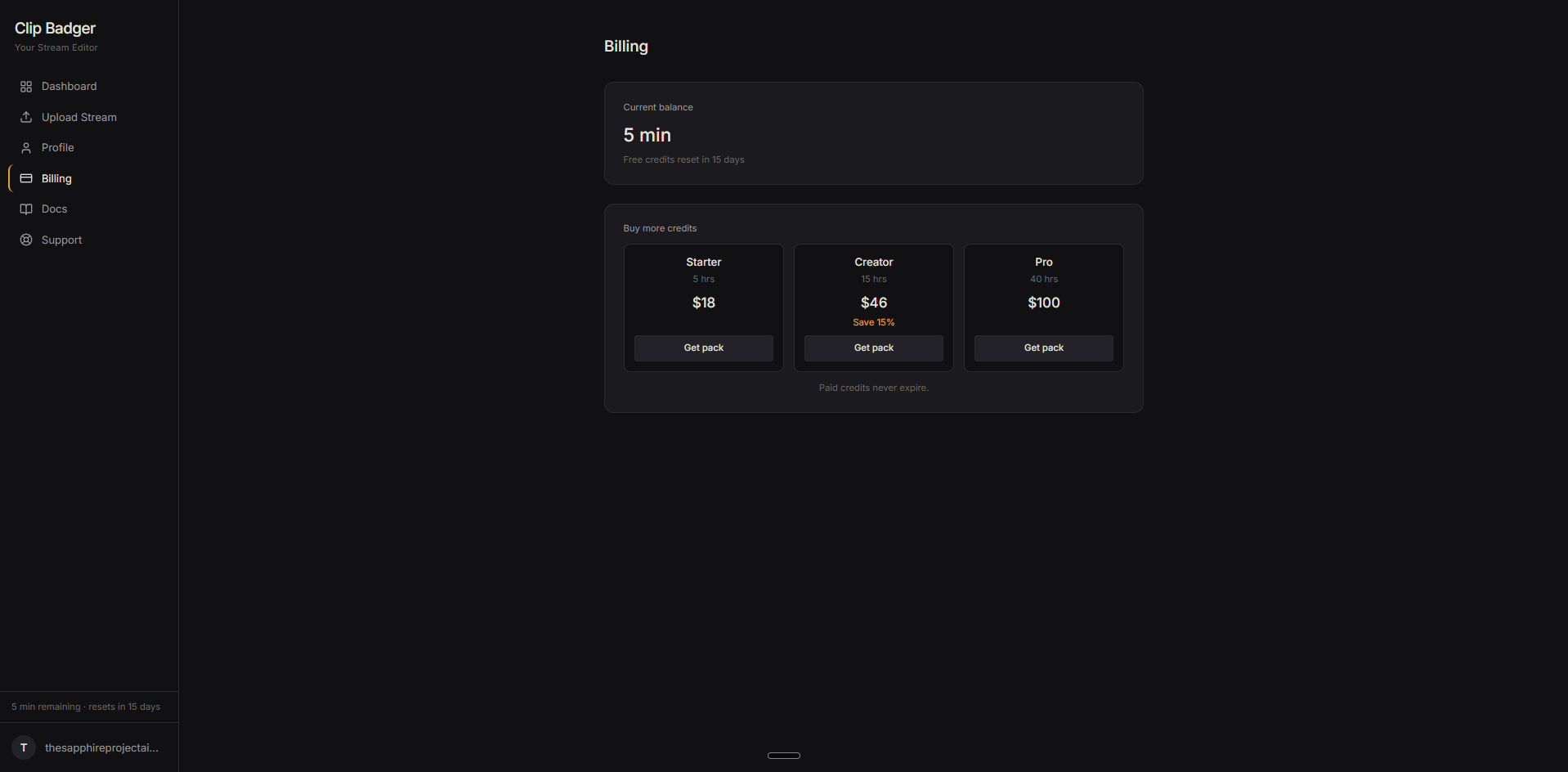
Head to Billing in the sidebar to see your current balance and buy additional processing hours.
Processing hours are measured by the length of your uploaded video, not how long it takes to process. A one-hour video uses one hour of credit regardless of processing time.